

Type a topic.
Presentation done.
Enter a topic and a slide count. SlideMind writes the text, builds the structure and lays out the design — you download a PPTX or PDF.
First presentation free · No card required
02/ 07Creating
What happens on screen in a minute
Topic
Climate change in Uzbekistan
- Outline ready
- Writing slides0/5
- Done — PPTX · PDF
- 01
- 02
- 03
- 04
- 05
03/ 07Designs
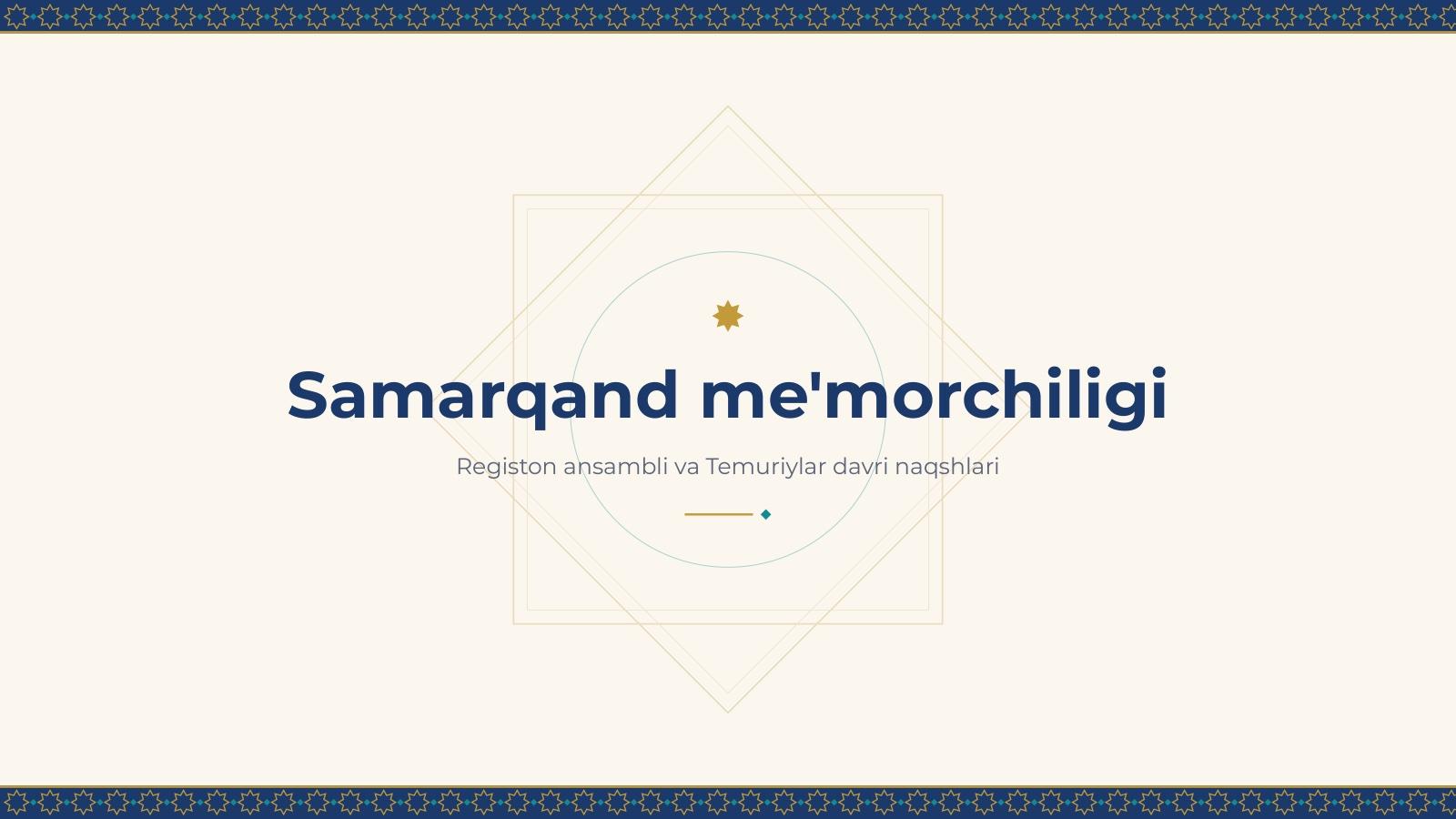
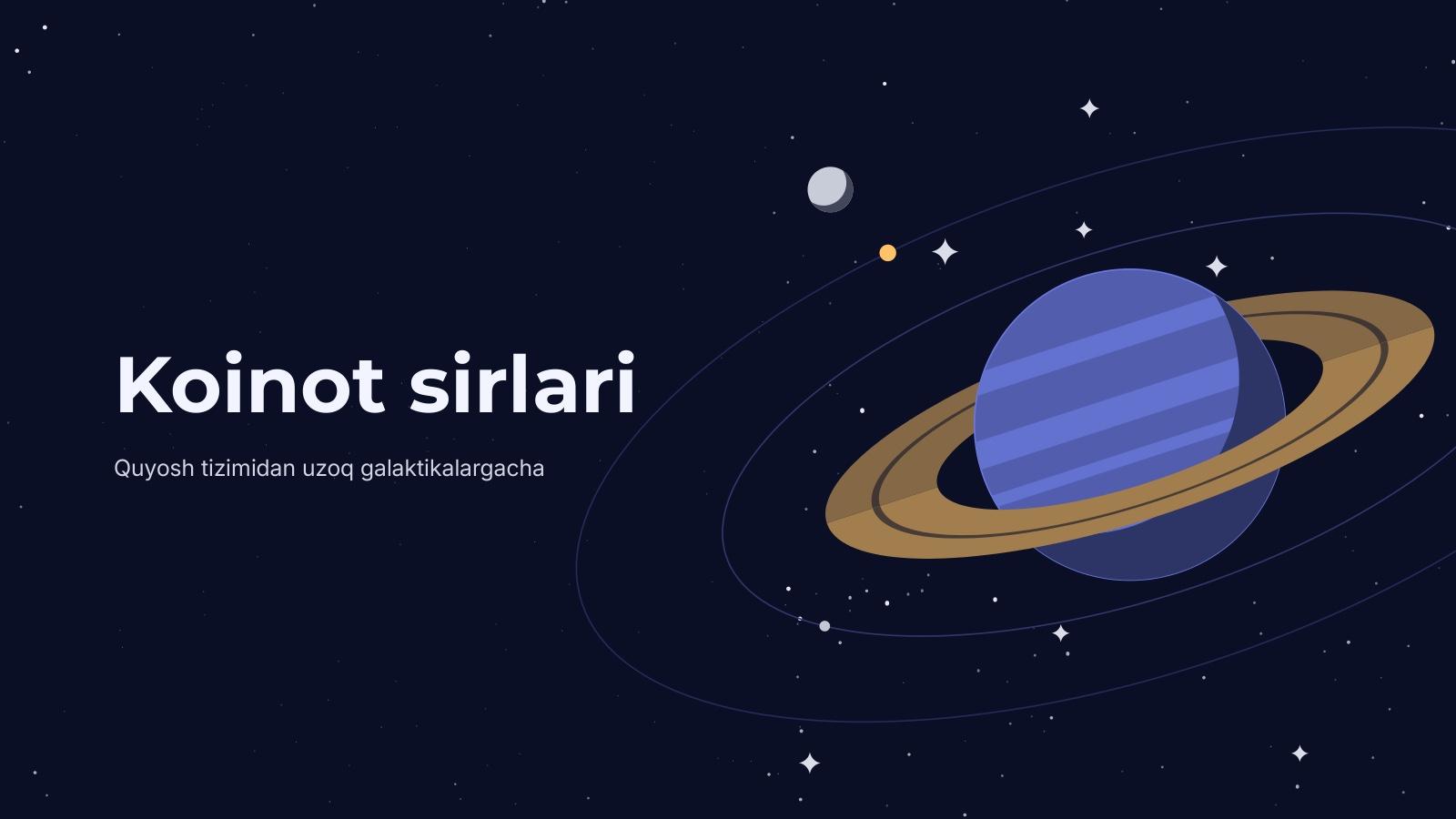
One slide. Many moods.
Pick a design up front or switch it on a finished deck in one click — the text stays where it is.
04/ 07What you get
One topic — the work you need

05/ 07By the numbers
- from topic to finished deck
- ~1 min
- slides per presentation
- 5–25
- languages: Uzbek, Russian, English
- 3
- download formats
- PPTX · PDF
No subscription. Pay only for what you create.
Your first presentation is free. After that there's no monthly fee: top up your balance and spend it only on the decks you need.
06/ 07Q&A
Questions?
How long does it take to make slides with SlideMind?
Usually about a minute. You type a topic, the AI builds the whole deck, then you edit it if you like.
Can I create slides in Uzbek?
Yes. You can generate a presentation in Uzbek, Russian or English.
Can I edit the finished presentation?
Yes. In the editor you can change text, images, shapes and charts, add slides and switch the design theme.
Which formats can I download?
PowerPoint (PPTX) and PDF.
Is it free?
Your first presentation is free. There is no monthly subscription: you pay only for the presentations you create.
How many slides can a presentation have?
You choose between 5 and 25 slides before generating.
07/ 07The end
Thank you for your attention!
Now it's your turn: type a topic and SlideMind does the rest.
First presentation free