

Slide templates
Ready-made slide templates and designs for presentations
Separate looks for research, study, business and creative talks. Type a topic and SlideMind builds the slides in the design you pick.
Slide templates for coursework, papers and defence
Calm colours and an easy-to-read typeface, for a research paper, coursework or a thesis defence.
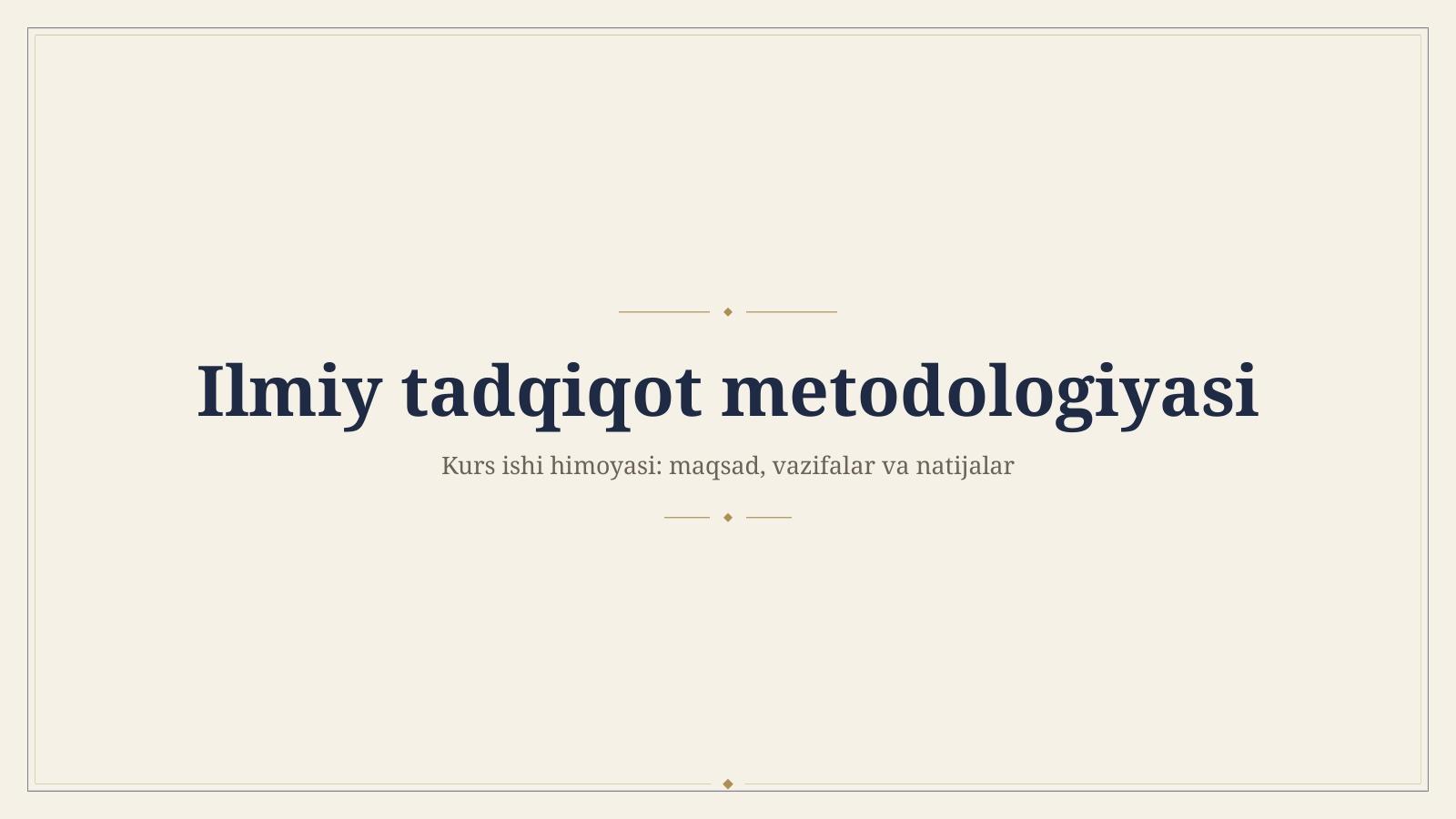
Academic 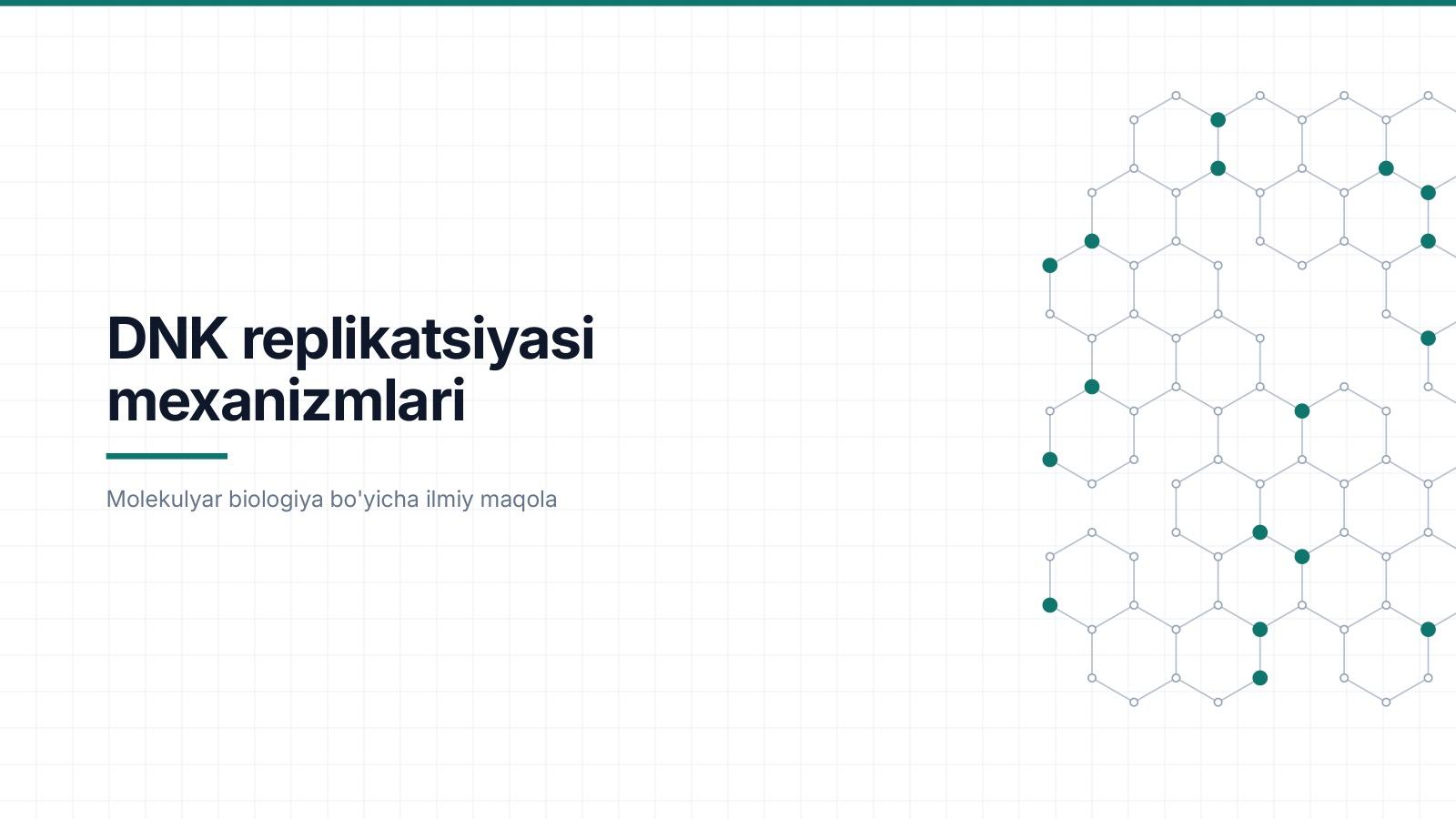
Science journal 
Law 
Finance 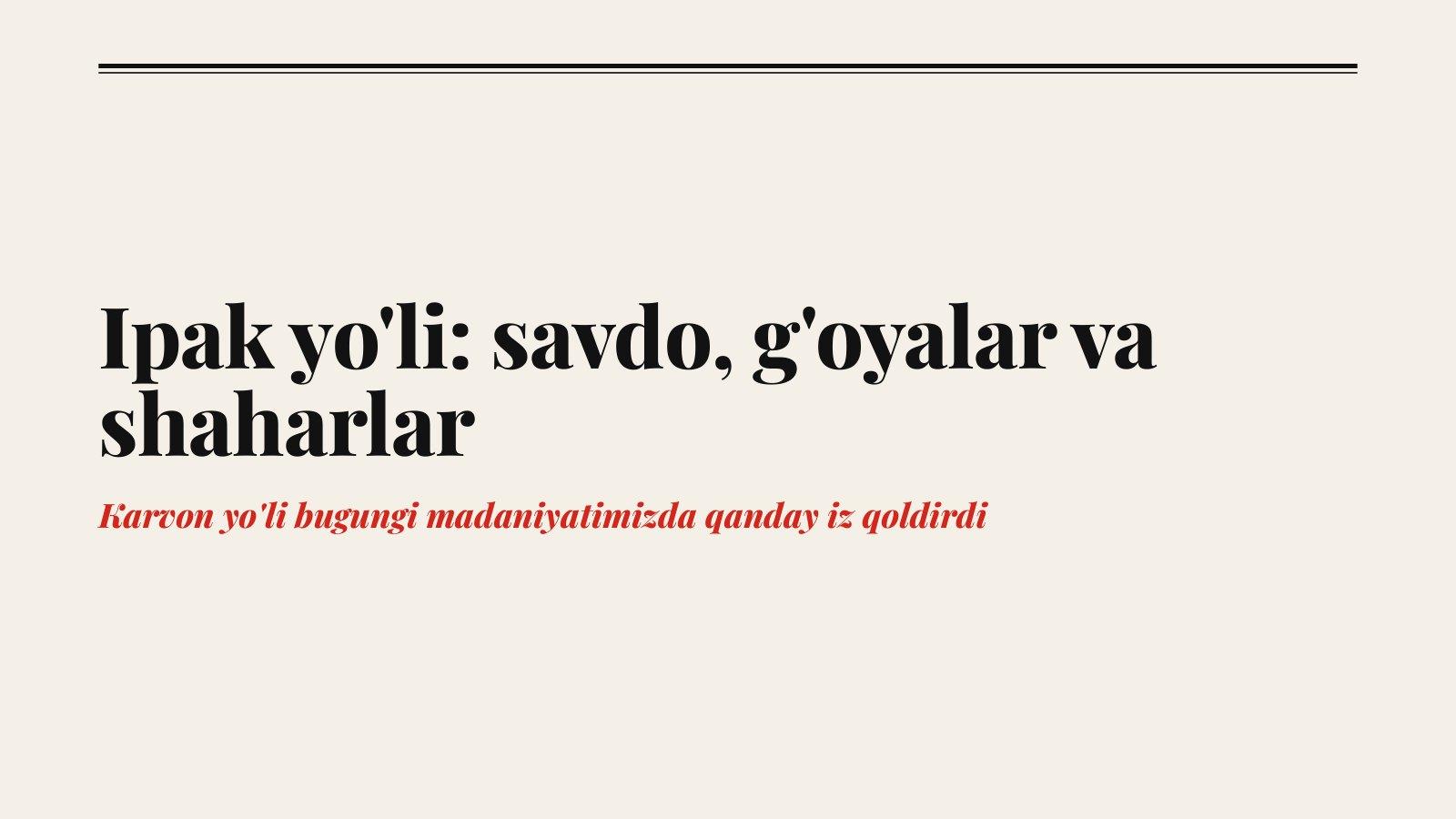
Editorial
Presentation templates for lessons and school subjects
Designs for maths, medicine, chemistry, biology, languages and geography.
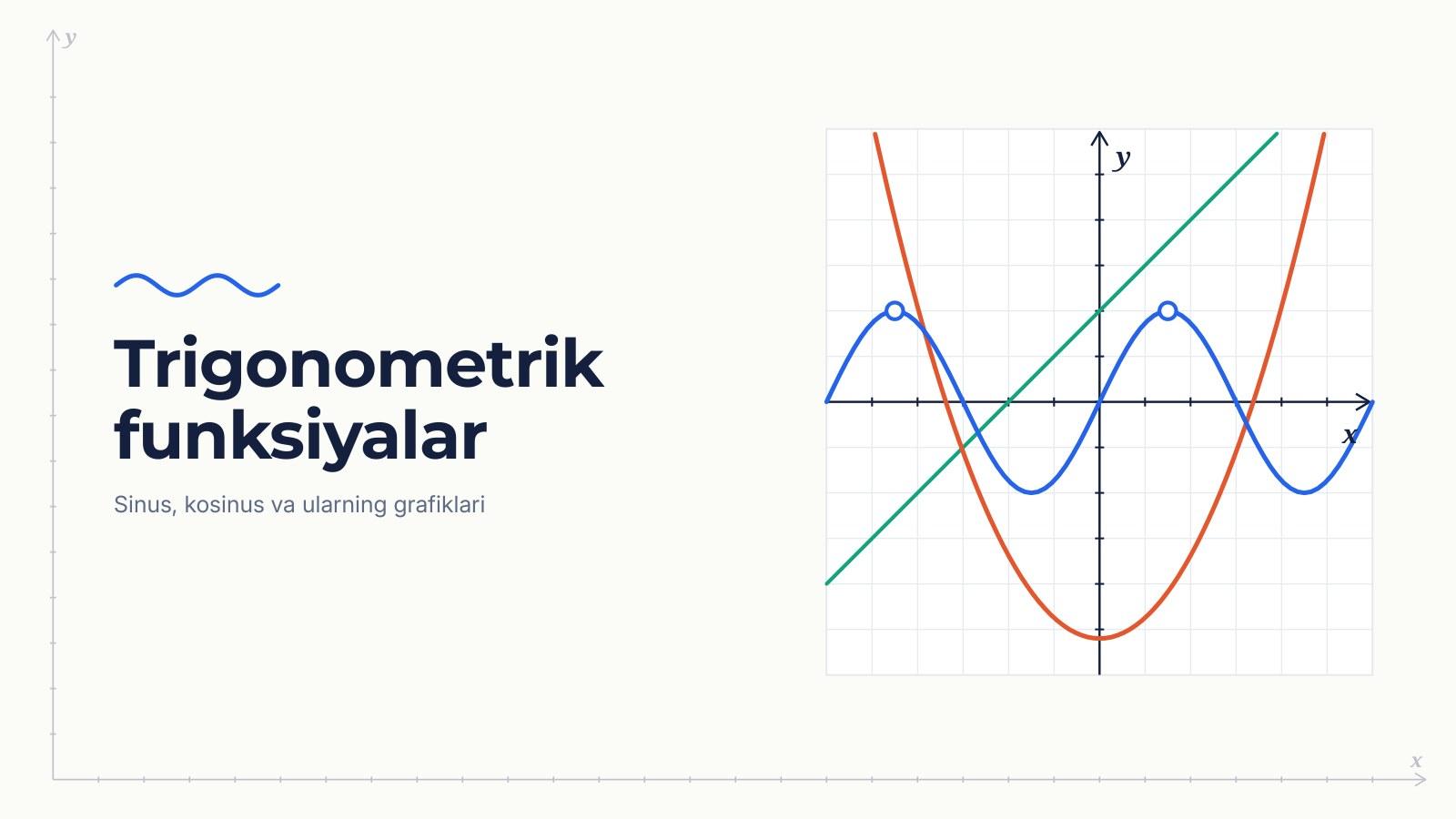
Maths 
Laboratory 
Medical 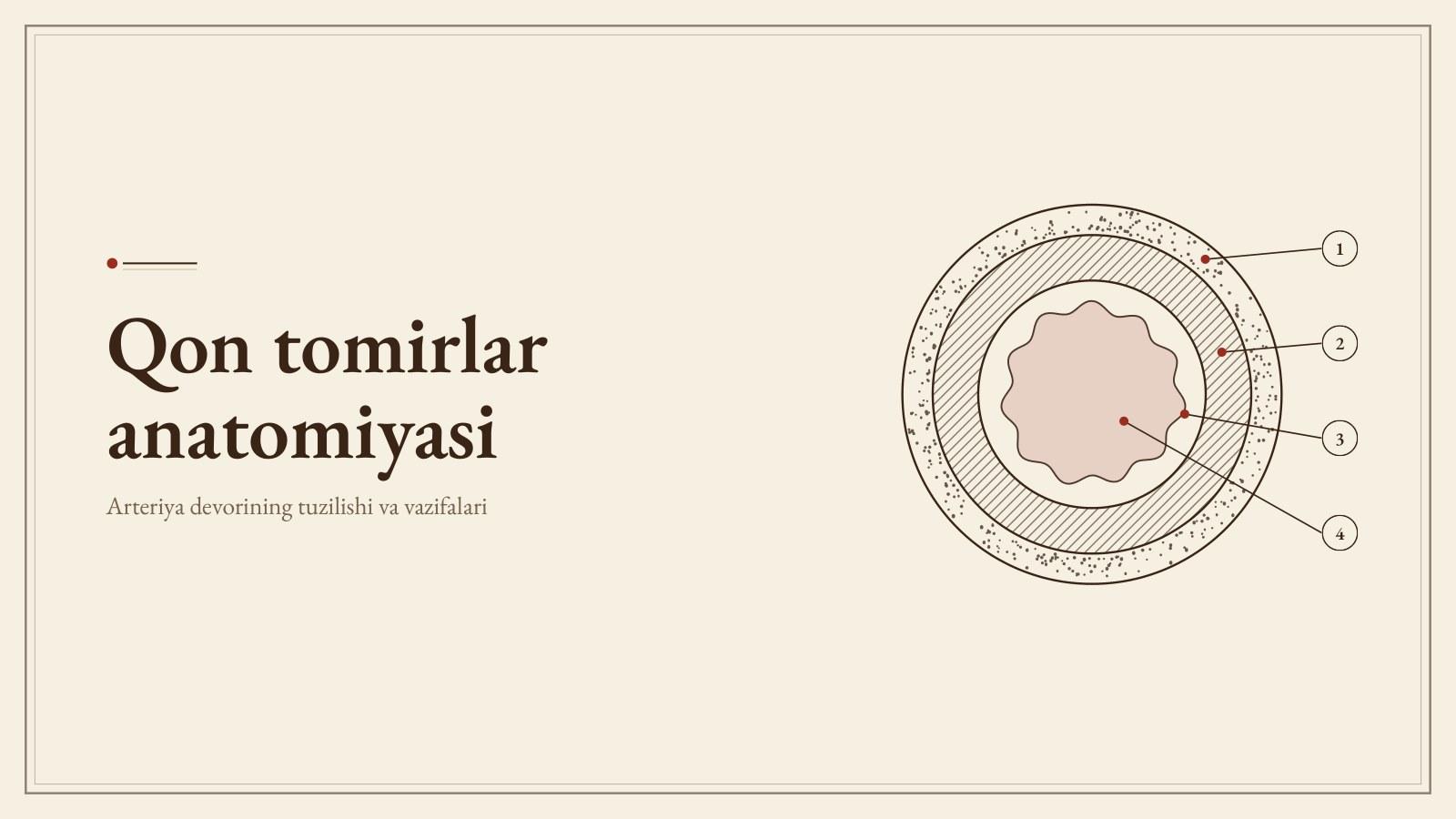
Anatomy atlas 
Histology 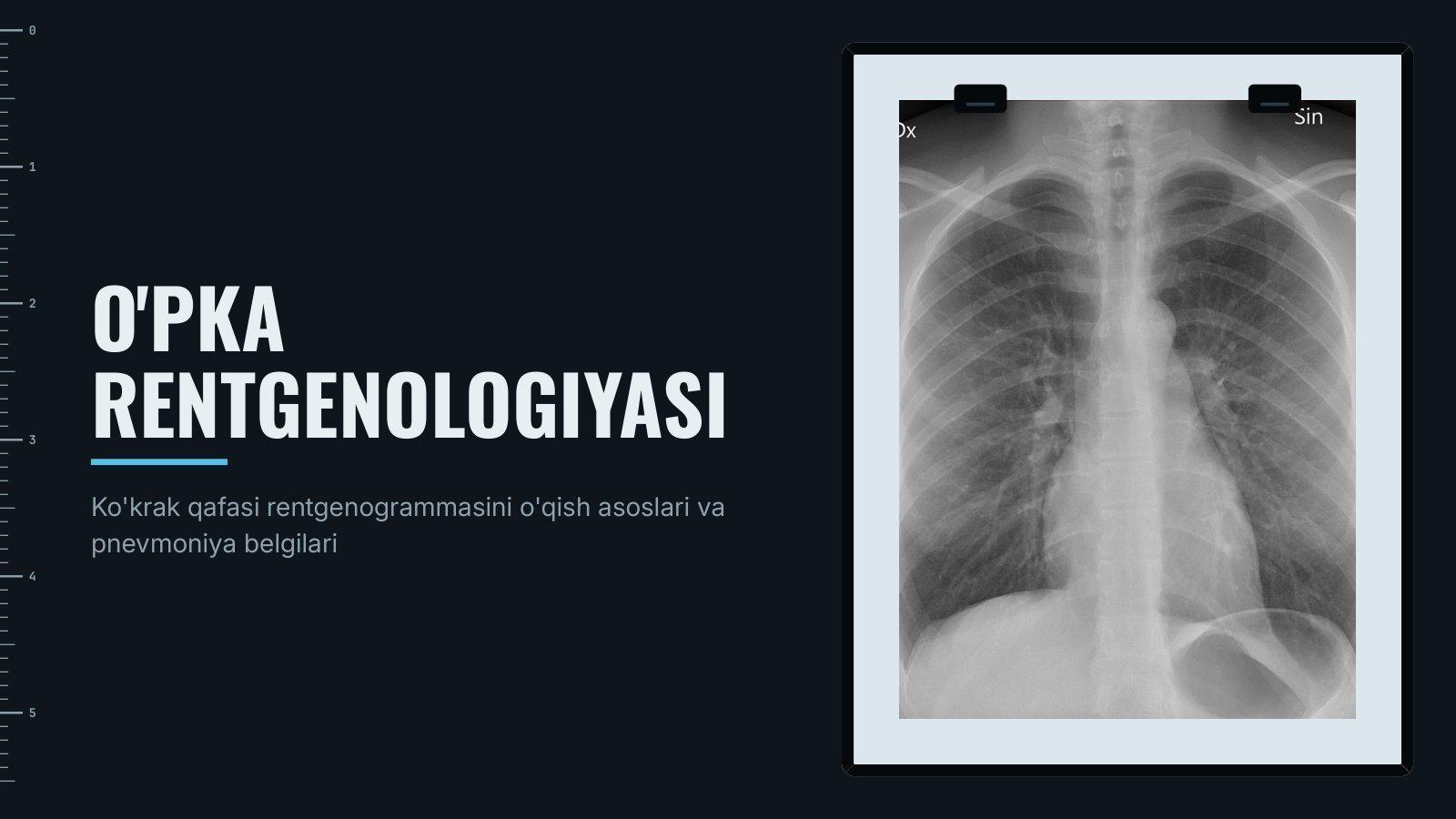
X-ray 
Prescription 
Clinical protocol 
Chalkboard 
Notebook 
Languages 
Herbarium 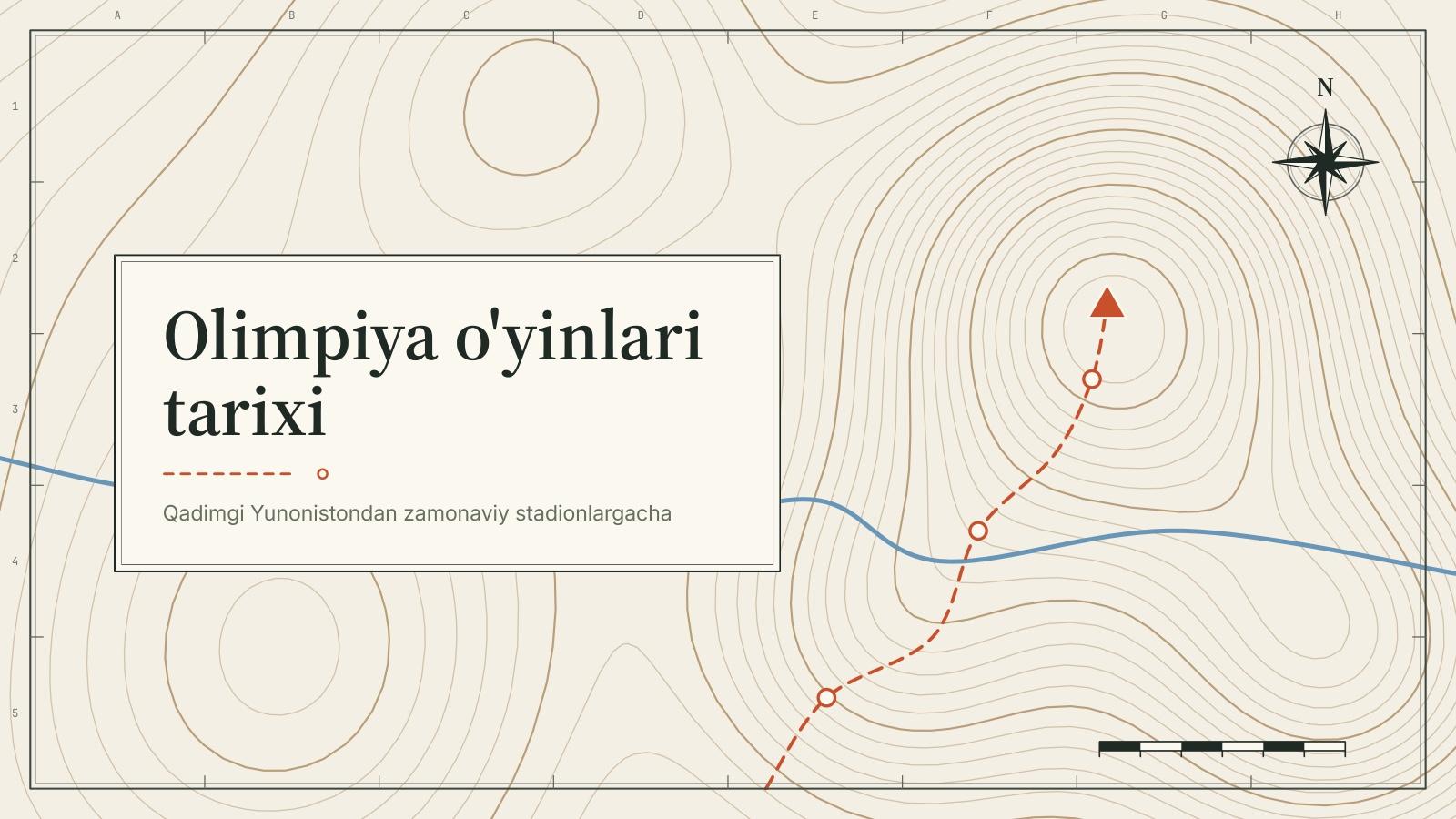
Topographic map 
Atlas 
Lesson plan 
Crayon drawing
Slide templates for business, startups and marketing
Clear, modern designs for a pitch, a report, a client proposal or a social media strategy.

Pitch deck 
Social media 
Keynote 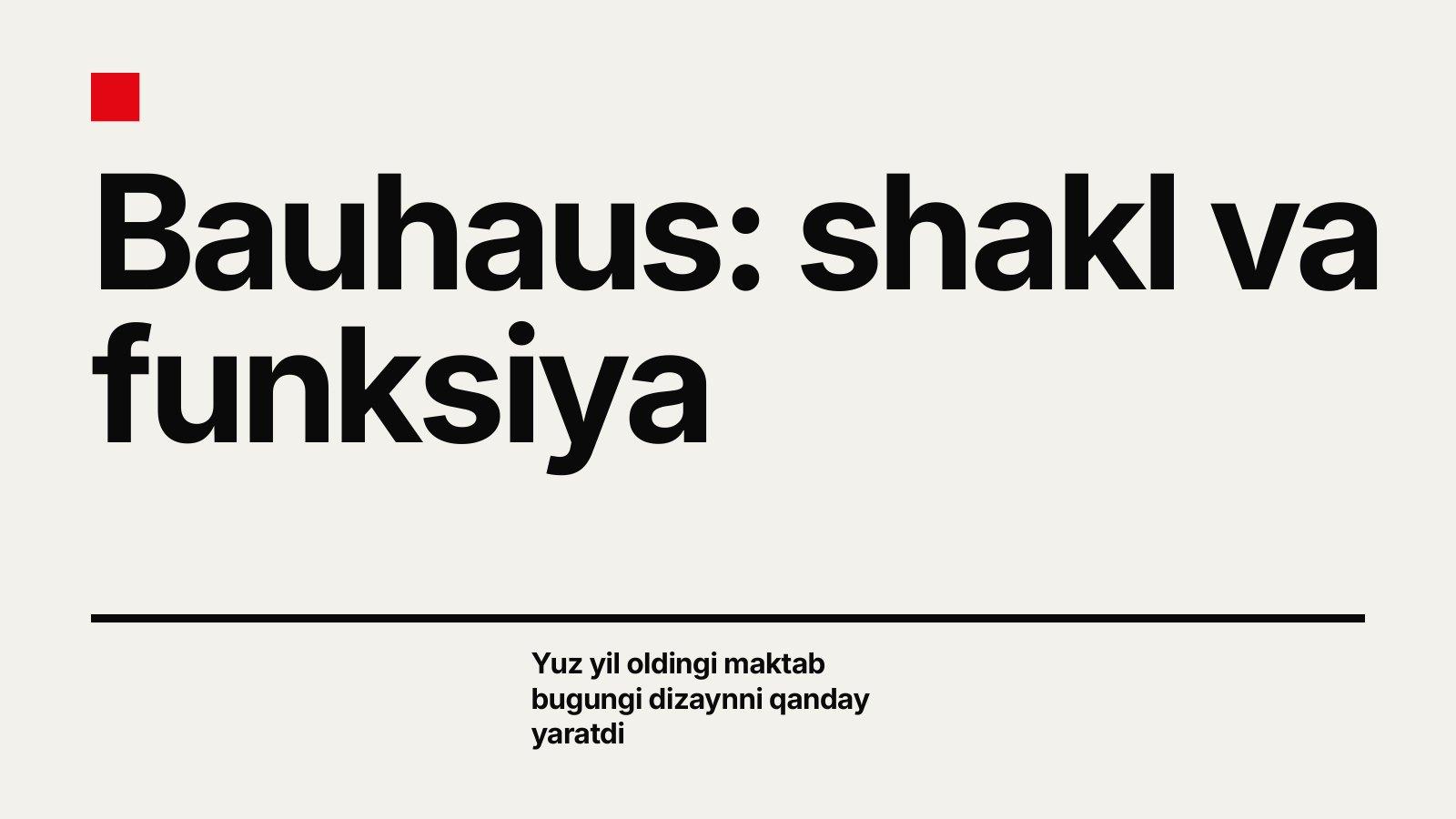
Swiss poster 
Route map 
Terracotta 
Isometric 
Wave
Templates for technology and the future
For programming, artificial intelligence, space and game design.
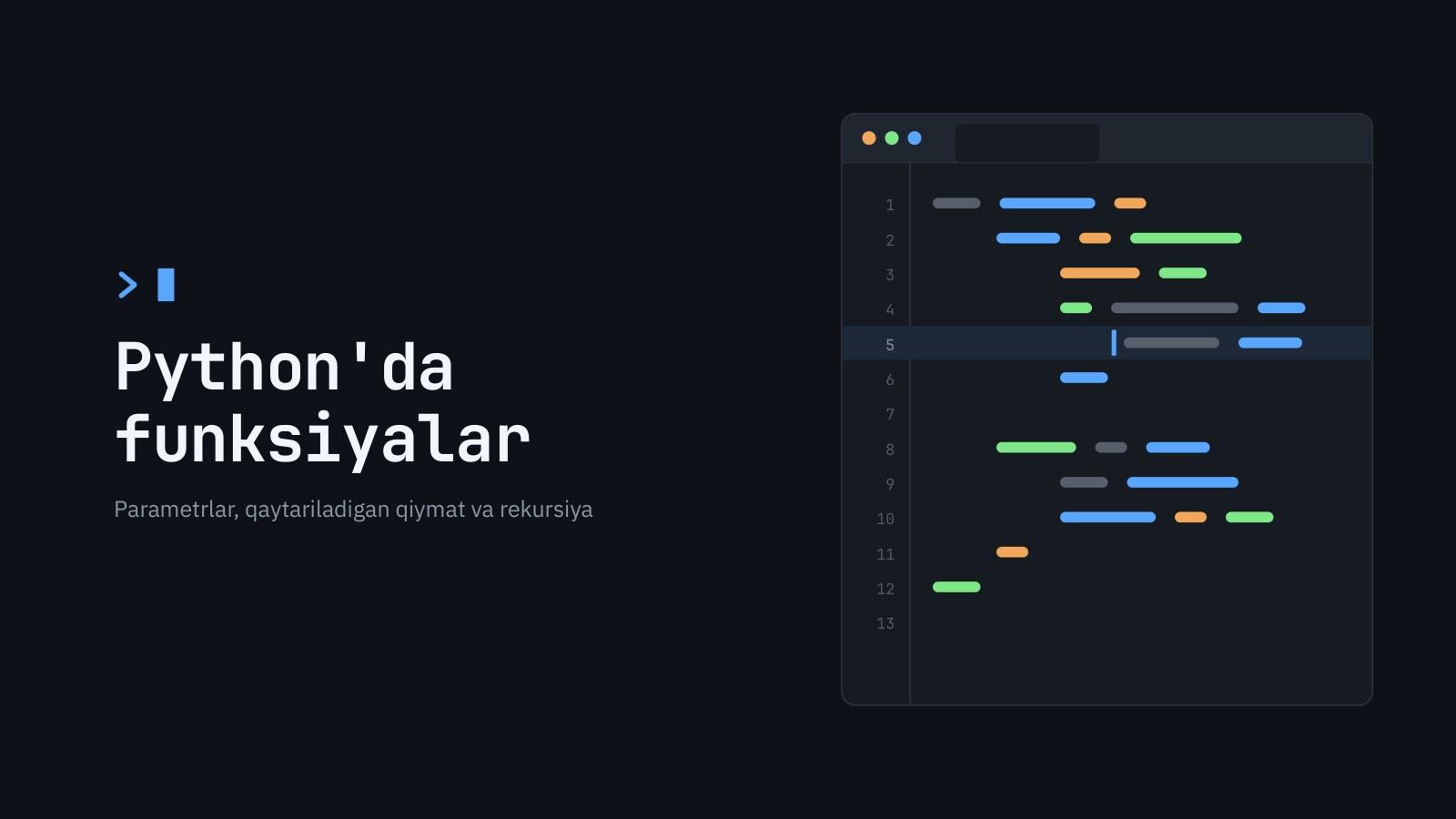
Coding 
Cosmos 
Pixel 
Retro 80s
Presentation templates for creative work, art and travel
Vivid, memorable designs for art, history, travel, sport and national culture.

Art gallery 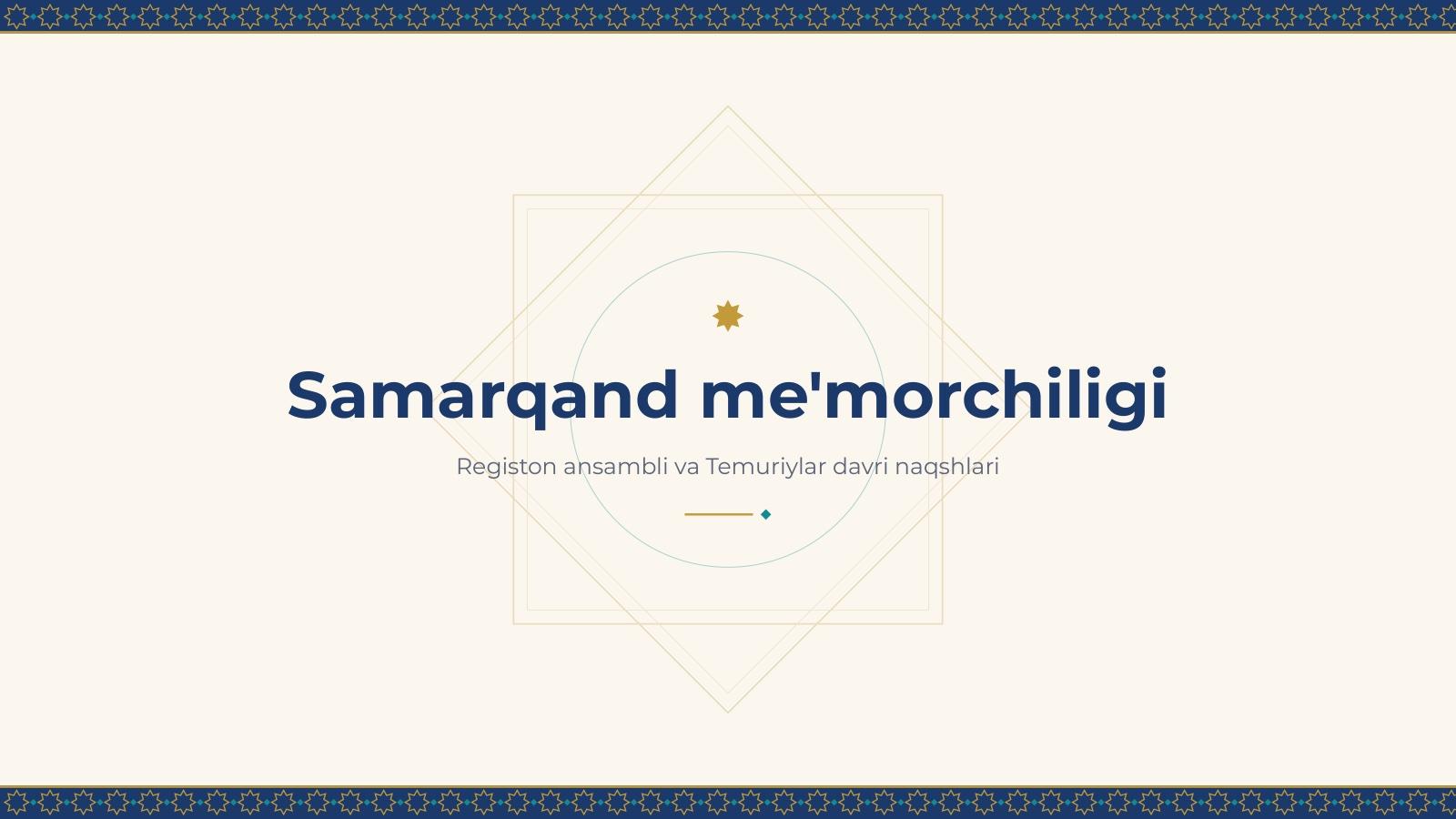
Uzbek ornament 
Sunburst 
Origami 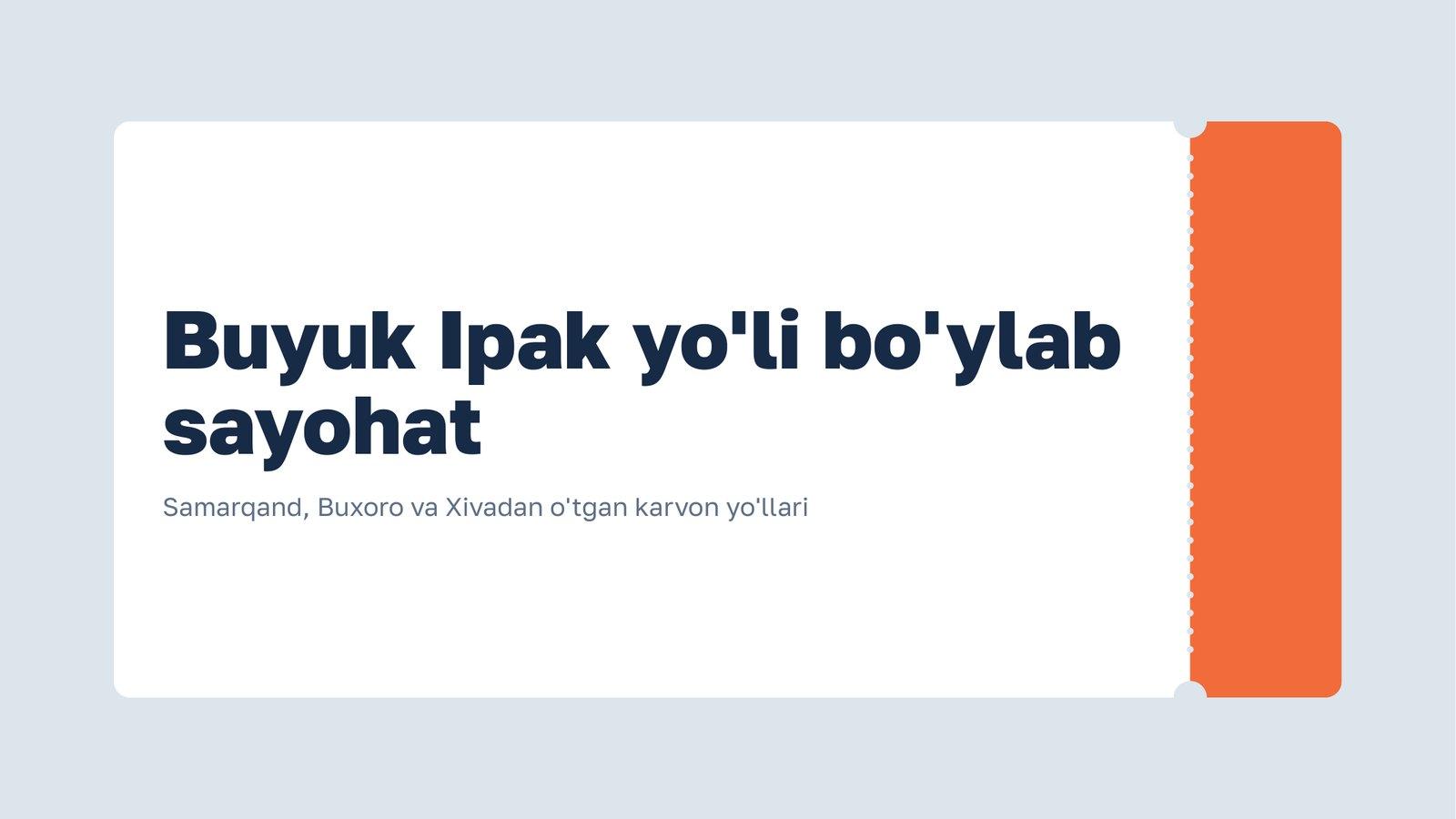
Travel 
Cinema 
Sport 
Brutalist
How it works
From a template to a finished presentation
01
Type your topic
Say what the presentation is about, then pick the slide count and language.
02
Pick a design
Choose the style above that suits your topic. You can switch it later.
03
Download
SlideMind builds the presentation in the design you picked. Get it as PowerPoint (PPTX) or PDF.
Frequently asked questions
Are the slide templates free?
Browsing the templates is free. Your first presentation is free too, and there is no subscription after that: you pay only for what you create.
Can I download a ready-made template?
The templates are design styles, not ready files. You type a topic, SlideMind builds a new presentation in that design and hands it over as PPTX or PDF.
Can I change the design later?
Yes. Once the presentation is ready, switch the design theme and the whole deck updates in one style.
Which design suits a coursework defence?
Calm, easy-to-read designs work best for a defence: Academic, Science journal, Law and Finance.
Can I create slides in Uzbek?
Yes. Create the presentation in Uzbek, Russian or English. The design does not depend on the language.
More you can do with SlideMind
- Make slidesType a topic and SlideMind AI builds ready-to-present slides in about a minute. Works in Uzbek, Russian and English, fully editable, export to PowerPoint and PDF. First presentation free.
- Create a presentationCreating a presentation is easy: type a topic and SlideMind AI builds the outline, copy and design. Edit freely and export to PowerPoint or PDF.
- Write a paperType a topic and SlideMind AI writes your paper with an outline, chapters, conclusion, references and a title page. 5–35 pages, in Uzbek, Russian or English, as Word and PDF.
- Write courseworkSlideMind AI writes coursework with a theory section and a practical part: calculations, tables, charts and a title page. Add your assignment and download it as Word or PDF.
- Write a term paperType your term paper topic and SlideMind AI writes the outline, introduction, chapters, conclusion and references with a title page, up to 30–35 pages. Download as Word or PDF.
- Telegram botSend a topic to @slidemindbot and get the presentation as PDF and PPTX in the chat. Papers and independent work too, as PDF and Word. In Uzbek, Russian and English.
- Title page makerMake a title page for a paper, coursework or term paper to the Uzbek university standard, free. Download it as Word (DOCX) or PDF, or get a blank template.
Pick a design, the presentation is ready
Type a topic and SlideMind does the rest. The first presentation is free.
No bank card required